
Spring AI : Chat Memory
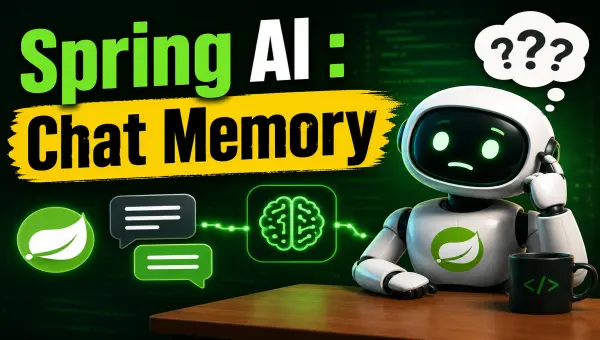
Large language models are stateless. Send two independent requests to a model, and the second request knows nothing about the first one. That is perfectly fine for one-shot questions, but it makes a chatbot feel surprisingly forgetful:
User: My name is Siva.
Assistant: Nice to meet you, Siva.
User: What is my name?
Assistant: I don't know.
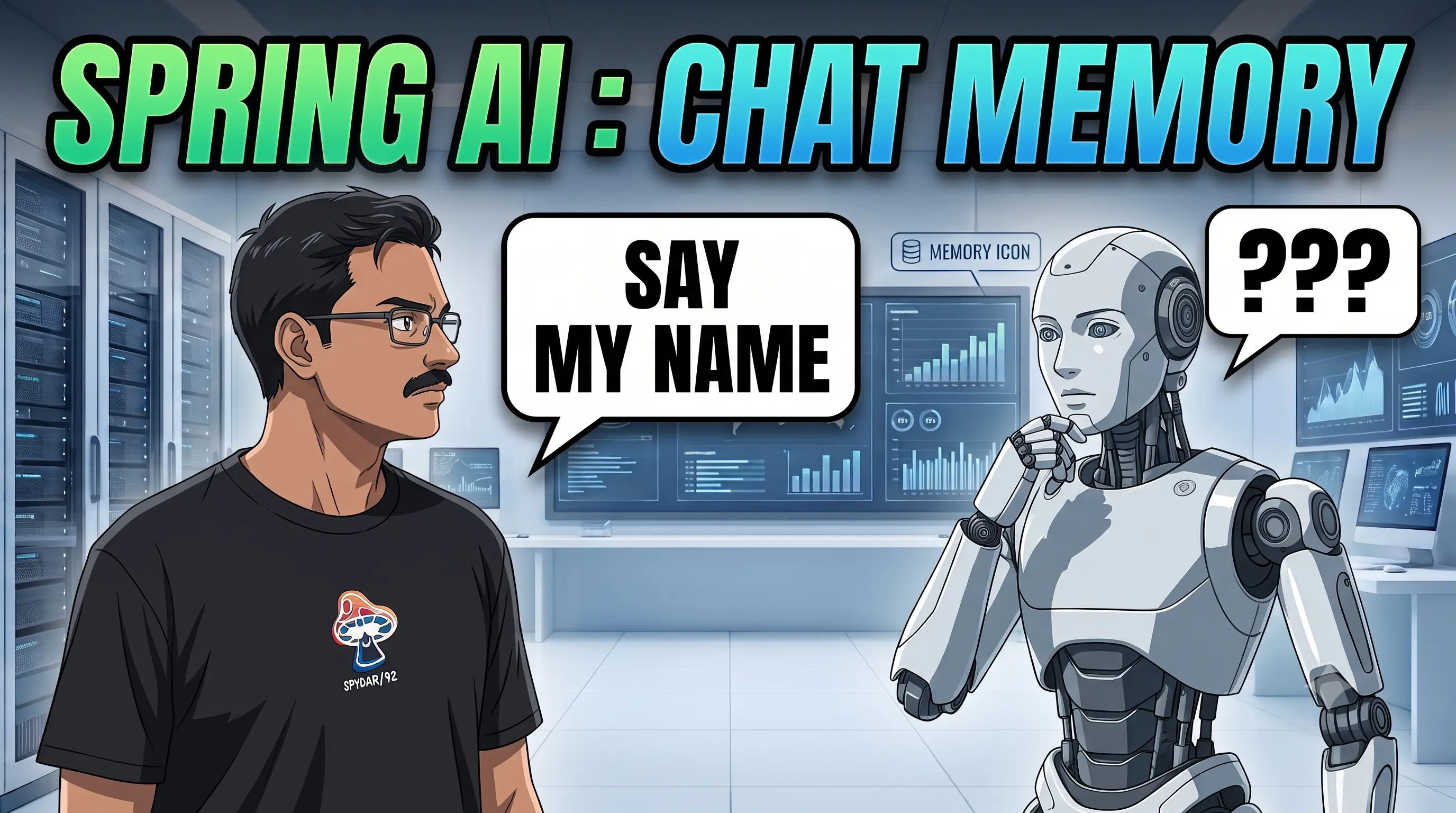
The model has not forgotten anything, the application simply did not send the earlier messages again. Spring AI’s chat memory support handles that plumbing for us. It stores the relevant messages and adds them to each new prompt, giving the model enough context to continue the conversation.
Sample Code Repository
You can find the sample code for this article in the GitHub repository
Introducing ChatMemory
The ChatMemory abstraction allows you to implement memory to support conversation-style interactions with LLMs.
- Chat memory is the context sent to the model so that it can answer the current request.
- Chat history is the complete, durable record of everything said in a conversation.
ChatMemory is designed for the first job. A memory strategy may deliberately discard old messages to stay within a useful context window.
Adding ChatMemory to the application
Add the chat-memory starter alongside the starter for your model provider:
<dependency>
    <groupId>org.springframework.ai</groupId>
    <artifactId>spring-ai-starter-model-chat-memory</artifactId>
</dependency>
Spring Boot then auto-configures a ChatMemory bean. Unless another repository is present, that bean uses:
MessageWindowChatMemoryto decide which messages remain in context.InMemoryChatMemoryRepositoryto store those messages in the application process.
This separation is useful. ChatMemory owns the retention strategy, while ChatMemoryRepository only stores and retrieves messages.
We can change the storage without changing how the context window behaves.
Keeping a useful message window
MessageWindowChatMemory keeps a sliding window of messages. Its default limit is 20, and older messages are evicted when that limit is exceeded.
SystemMessage instances are preserved.
You can configure it explicitly when the default is not suitable:
@Bean
ChatMemory chatMemory(ChatMemoryRepository repository) {
    return MessageWindowChatMemory.builder()
            .chatMemoryRepository(repository)
            .maxMessages(50)
            .build();
}
The default InMemoryChatMemoryRepository stores data in a ConcurrentHashMap:
It is ideal for learning and tests, but all conversations disappear when the application restarts.
It also cannot share memory between multiple application instances. We will fix that shortly with PostgreSQL.
Letting ChatClient manage the messages
The MessageChatMemoryAdvisor connects ChatClient to ChatMemory.
Before a model call, it retrieves the conversation’s messages and adds them to the prompt.
After the call, it saves the new user and assistant messages.
Configure the advisor while building the client:
@RestController
@RequestMapping("/")
class ChatController {
    private final ChatClient chatClient;

    ChatController(ChatClient.Builder builder, ChatMemory chatMemory) {
        this.chatClient = builder
                .defaultAdvisors(
                    MessageChatMemoryAdvisor.builder(chatMemory).build(),
                    new SimpleLoggerAdvisor()
                )
                .build();
    }
}
Every call using a memory advisor must provide a conversation ID.
There is no default; omitting it results in an IllegalArgumentException.
Spring AI Advisors
We will explore more about Spring AI Advisors in the next article.
To see the behavior with the least possible code, we can start with a static ID:
@PostMapping("/ai/simple-chat")
ResponseEntity<Answer> chat(@RequestBody @Valid Question question) {
    String conversationId = "demo";

    String response = chatClient.prompt()
            .user(question.question())
            .advisors(advisor -> advisor.param(
                    ChatMemory.CONVERSATION_ID, conversationId))
            .call()
            .content();

    return ResponseEntity.ok(new Answer(response));
}

record Question(@NotBlank String question) {}
record Answer(String answer) {}
Send a first request “My name is Siva” and then in the second request ask “What is my name?”. The second request receives the earlier exchange as context.
$ curl --request POST http://localhost:8080/ai/simple-chat \
  --header 'Content-Type: application/json' \
  --data '{"question":"My name is Siva"}'

Nice to meet you, Siva! How can I help you today?

$ curl --request POST http://localhost:8080/ai/simple-chat \
  --header 'Content-Type: application/json' \
  --data '{"question":"What is my name?"}'

Your name is Siva.
The SimpleLoggerAdvisor output makes the memory behavior visible.
The first model request contains only the message sent by the caller:
messages=[
  UserMessage{content='My name is Siva', ...}
]
context={chat_memory_conversation_id=demo}
After the model replies, MessageChatMemoryAdvisor stores both the user message and the assistant response under the demo conversation ID.
When the second request arrives, the advisor retrieves that exchange and adds it before the new question:
messages=[
  UserMessage{content='My name is Siva', ...},
  AssistantMessage [textContent=Nice to meet you, Siva! How can I help you today?, ...],
  UserMessage{content='What is my name?', ...}
]
context={chat_memory_conversation_id=demo}
Notice that the second curl command sends only What is my name?.
The client does not resend the conversation.
The advisor rebuilds the prompt on the server from the messages associated with the conversation ID, which gives the model enough context to answer Your name is Siva.
There is one obvious catch: every caller uses demo, so every caller also shares the same memory.
A static ID is useful for demonstrating the feature, not for a real application.
Choosing where memory lives
Spring AI 2.0 includes repositories for in-memory storage, JDBC databases, Cassandra, Neo4j, MongoDB, and Redis.
Azure Cosmos DB support is maintained as an external module.
You can also implement ChatMemoryRepository for another store.
The choice is mostly operational:
- Use in-memory storage for local development and isolated tests.
- Use JDBC when a relational database is already part of the application.
- Consider Redis for low-latency access and TTL-based expiry.
- Choose Cassandra, MongoDB, or Neo4j when those systems already match your workload and operations.
For a typical Spring Boot application that already uses PostgreSQL, JDBC is the least surprising place to start.
Persisting chat memory in PostgreSQL
Add the JDBC, JDBC memory repository, PostgreSQL driver, and Spring Boot’s Docker Compose support:
<dependency>
    <groupId>org.springframework.boot</groupId>
    <artifactId>spring-boot-starter-jdbc</artifactId>
</dependency>
<dependency>
    <groupId>org.springframework.ai</groupId>
    <artifactId>spring-ai-starter-model-chat-memory-repository-jdbc</artifactId>
</dependency>
<dependency>
    <groupId>org.postgresql</groupId>
    <artifactId>postgresql</artifactId>
    <scope>runtime</scope>
</dependency>
<dependency>
    <groupId>org.springframework.boot</groupId>
    <artifactId>spring-boot-docker-compose</artifactId>
    <scope>runtime</scope>
    <optional>true</optional>
</dependency>
Then create compose.yaml in the application directory:
services:
  postgres:
    image: postgres:18-alpine
    environment:
      - POSTGRES_USER=postgres
      - POSTGRES_PASSWORD=postgres
      - POSTGRES_DB=postgres
    ports:
      - "5432:5432"
By default, Spring AI initializes the JDBC schema only for embedded databases. PostgreSQL is not embedded, so enable initialization while developing locally:
spring.ai.chat.memory.repository.jdbc.initialize-schema=always
This creates the SPRING_AI_CHAT_MEMORY table using the PostgreSQL-specific script. The supported values are:
embedded— initialize only embedded databases; this is the default.always— initialize on every application startup.never— do not initialize the schema.
Recommended Schema Initialization
For production, I prefer never and a versioned Flyway or Liquibase migration.
Database schemas deserve the same review and deployment discipline as application code.
When the application starts, Spring Boot launches the service and creates the database connection.
Spring AI detects JDBC and auto-configures JdbcChatMemoryRepository; the existing auto-configured MessageWindowChatMemory uses it automatically.
The JDBC repository supports PostgreSQL, MySQL/MariaDB, SQL Server, HSQLDB, and Oracle Database out of the box.
It stores message order using a sequence_id column and exposes each message’s creation time in metadata.
Giving each browser its own conversation
A conversation ID links all the messages within a conversation. In an authenticated application, a user ID plus a chat/session ID is often the best choice. For this small demo, a generated UUID set as a cookie is enough:
@PostMapping("/ai/chat")
ResponseEntity<Answer> chat(
        @RequestBody @Valid Question question,
        @CookieValue(name = "X-CONV-ID", required = false) String convId) {

    String conversationId = convId == null
            ? UUID.randomUUID().toString()
            : convId;

    String response = chatClient.prompt()
            .user(question.question())
            .advisors(advisor -> advisor.param(
                    ChatMemory.CONVERSATION_ID, conversationId))
            .call()
            .content();

    ResponseCookie cookie = ResponseCookie
            .from("X-CONV-ID", conversationId)
            .path("/")
            .maxAge(3600)
            .build();

    return ResponseEntity.ok()
            .header(HttpHeaders.SET_COOKIE, cookie.toString())
            .body(new Answer(response));
}
On the first request, the server generates a UUID and returns it as X-CONV-ID.
The browser sends that cookie with later requests, allowing the advisor to load the correct memory.
Another browser receives a different ID and therefore a different conversation.
For a public application, treat this ID as untrusted input: use a secure, HTTP-only cookie, validate access on the server, expire abandoned conversations, and never let knowledge of an ID grant access to another user’s data.
What I would use in a real application
Start with MessageWindowChatMemory and a modest window, then measure token usage and answer quality before tuning it.
Use the in-memory repository only while developing; move to a shared store before running multiple instances.
Most importantly, keep chat memory and chat history as separate concerns.
The model needs a carefully selected context window, while your users and auditors may need the full conversation.
Chat memory is not the model becoming stateful. It is the application consistently rebuilding context, and Spring AI makes that easy to do without scattering message-management code across every endpoint.
Related Posts
Spring AI : Advisors API
Once an AI feature moves beyond a demo, the model call is rarely the whole story. You need to log requests, restore conversation history, retrieve …
Spring AI : Structured Output
Chat models are great at producing prose, but most applications don’t want prose — they want a Java object, a List<String>, or a Map they …

Spring AI : Chat with LLMs
Calling an LLM is just an HTTP request. The trouble is that every provider has its own API, configuration, and response format. Spring AI handles that …